
Rankings help
Reading the quarterly rankings
- Open Rankings. Tabs across the top are Breed/Group, Obedience, Agility, and Rally.
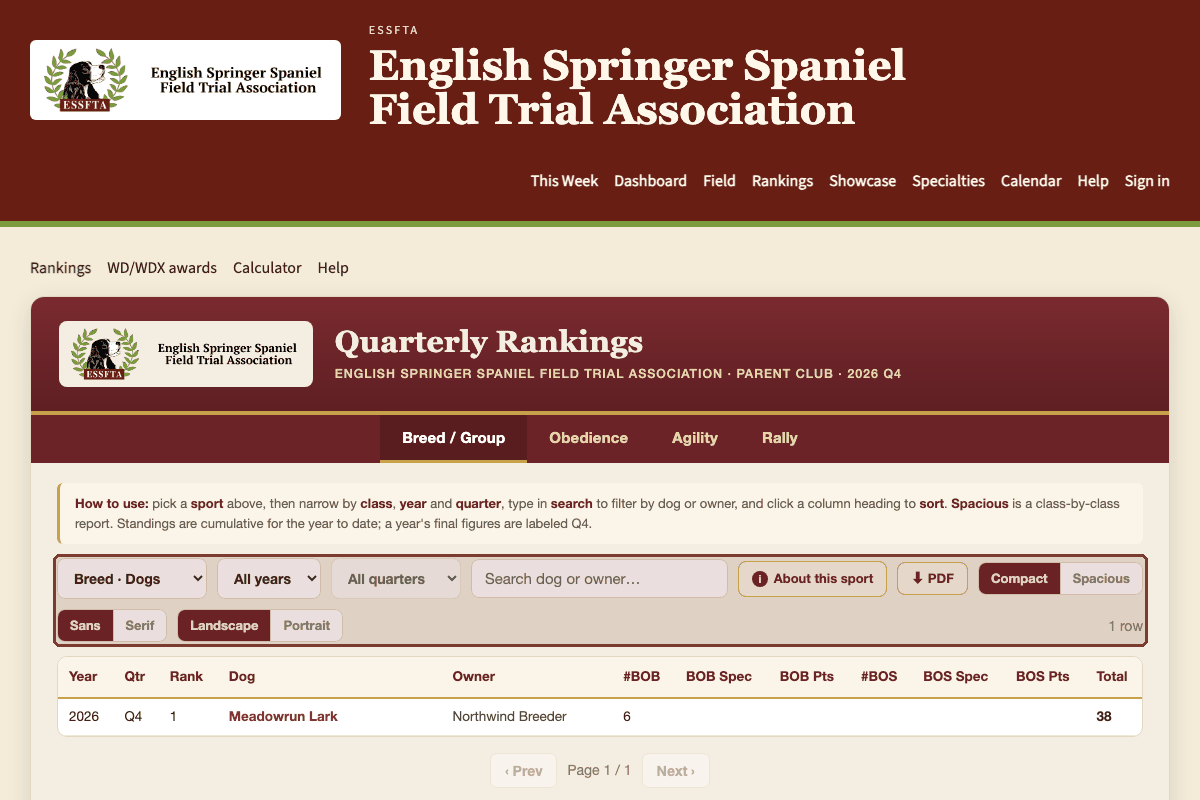
The quarterly rankings. The toolbar picks the class, the year, and the quarter. - Pick a class, a year, and a quarter. Search filters by dog or owner. Click a column heading to sort.
- Compact is the table view. Spacious is a class-by-class report of the same numbers.
- PDF downloads the current view. Standings are cumulative for the year to date; Q4 is the full year.
- “(T)” on a rank means a tie.
Working Dog awards
- Open WD/WDX awards. Filter by title (WD or WDX) and year.
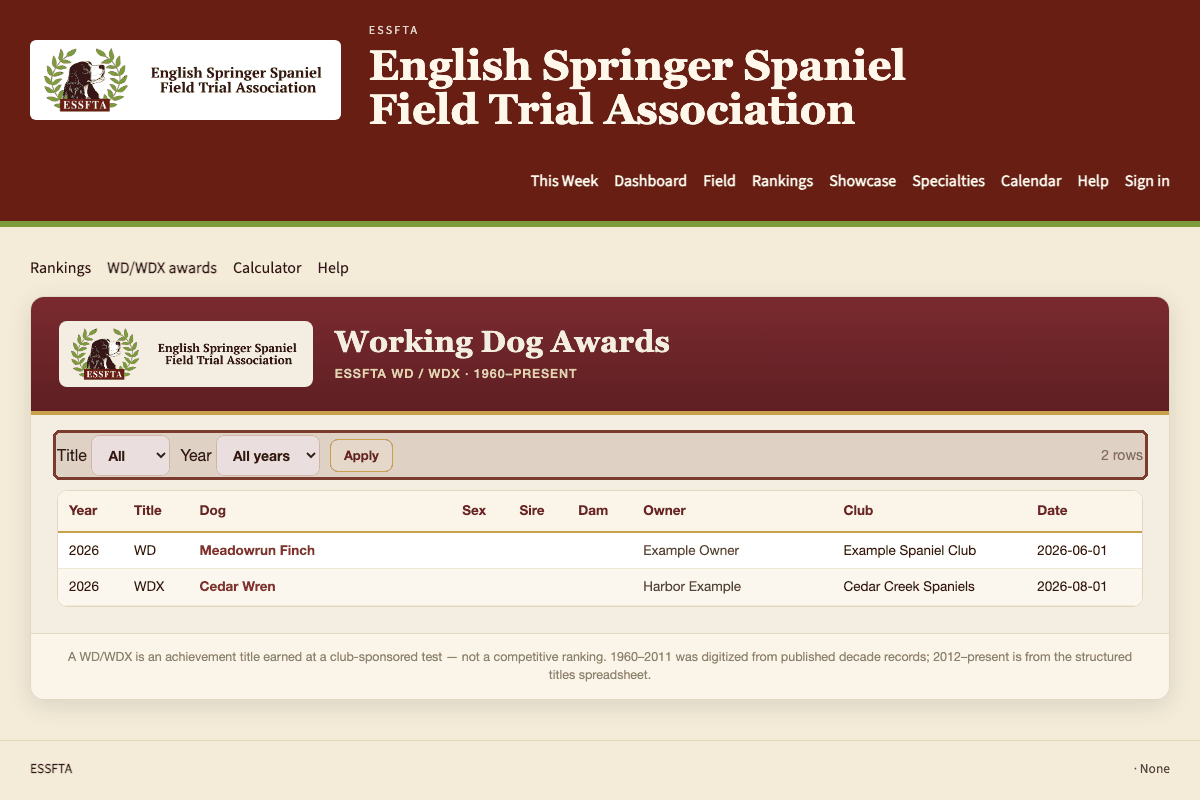
WD/WDX awards. Filter by title and year. - Columns are Year, Title, Dog, Sex, Sire, Dam, Owner, Club, and Date.
- A WD/WDX is an achievement title from a club-sponsored test, not a competitive ranking. The same dog can appear twice (WD then WDX in a later year).
The Rankings Calculator
- Open Calculator. Drop AKC Quarterly Companion-Events
.xlsfiles (Obedience, Agility, Rally). Nothing is uploaded; the math runs in your browser.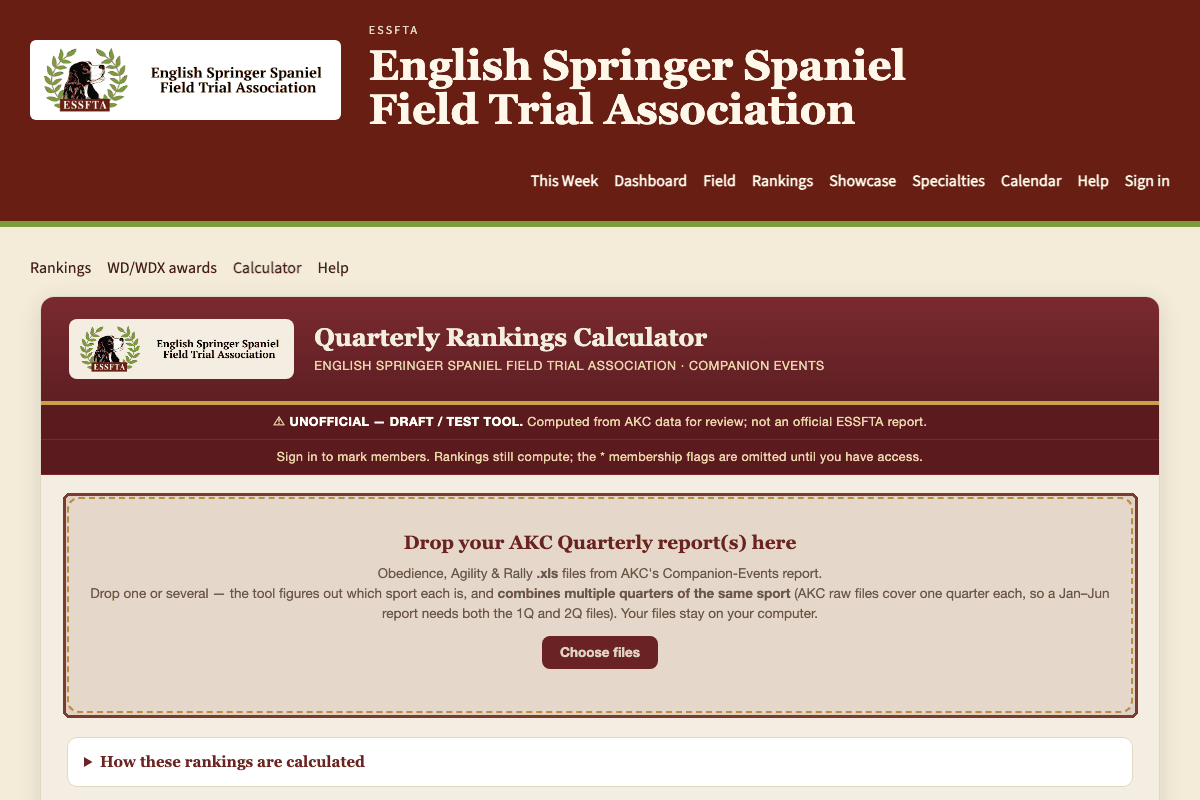
The calculator. Drop the quarter files here. Nothing is uploaded. - Drop every quarter you want (1Q + 2Q for January–June). The tool concatenates same-sport files before it computes.
- Export Word or PDF from the toolbar. The report is unofficial until the club publishes it.
- Sign in with member access to mark ESSFTA members with *. Without that grant the standings still compute; the * flags are omitted.